
When running through a live rehearsal, you might not have time to fix a problem (like adjust a fade time, alter audio levels, etc), but want to remember which cues needed addressing. This is where the cue flag feature comes in handy. You can then look back through your list after rehearsal and easily identify problem cues.
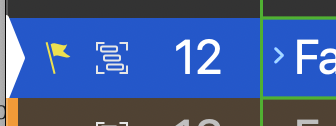
To flag a cue, simply click on the “flagged” box in the inspector tab or with the desired cue selected in the cue list, hit the letter “F” on your keyboard.
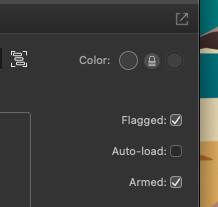
To flag a cue, simply click on the “flagged” box in the inspector or with the desired cue selected in the cue list, hit “F” on your keyboard.
Want to find all the flagged cues? Open up the Warnings window for a full list!
Which key will flag a cue for you?
Hitting the ‘F’ Key.