
Cue colors are a way to visually identify one cue from another. There’s no correct way to use these, they’re simply a tool to help your workflow.
You might, for example, color all cues that still need their audio to be recorded as red.
Or, you might, for example, color all video cues blue and audio cues orange.
Or, you might, for example, color each row in the order of a rainbow because that makes you happy. That’s fine too.
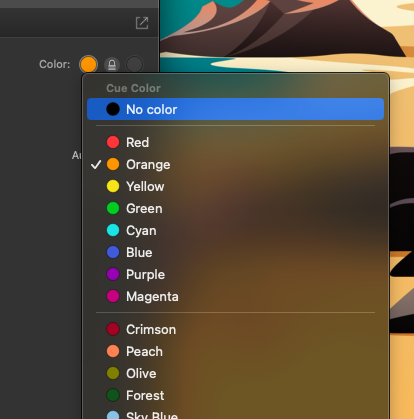
You can do whatever you want. To specify a color, select your cue and pick one from the Basics tab in the Inspector (the editable parameters at the bottom of the screen).

Click on the color and select what you want (or select “No Color” to clear a color selection)
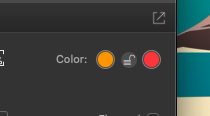
In QLab 5, you can now even select a secondary color to be displayed once the cue has been executed. Pretty darn cool.
What is the proper way to color your cues?
There isn’t one! Whatever works best for you and your design process.