
Back to finesse. Not all fades want to happen over the same period of time. Some want to happen slowly, subtly, sneak away … like a ninja. Some want to be quick, strong, noticeable … like a Samurai. Others, somewhere in between.
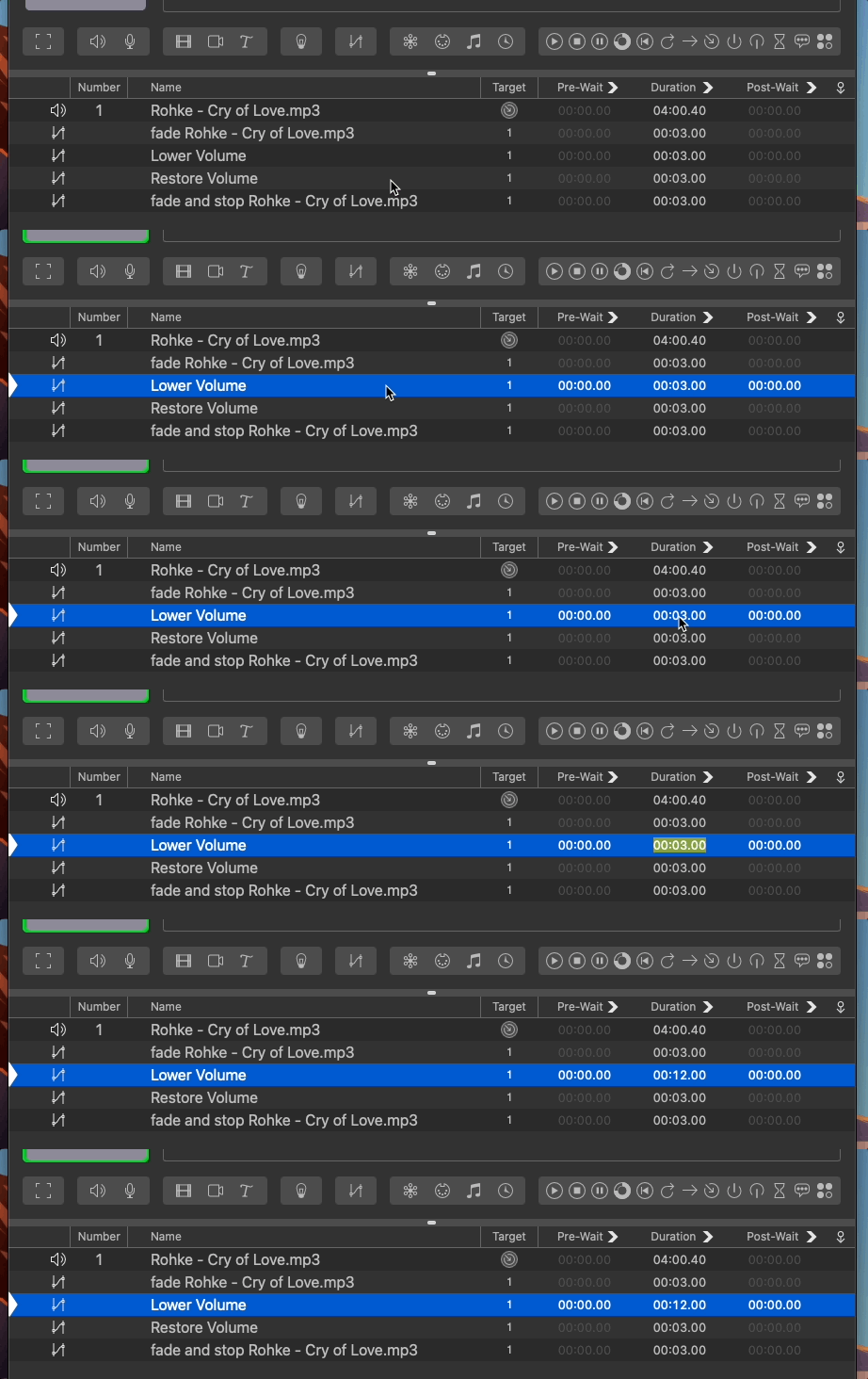
Well, we can change how long it takes a fade cue to fade simply by double clicking the fade’s action and entering in a new number.
Or by changing the Duration time in the Basics tab of the inspector. It’s really that simple.
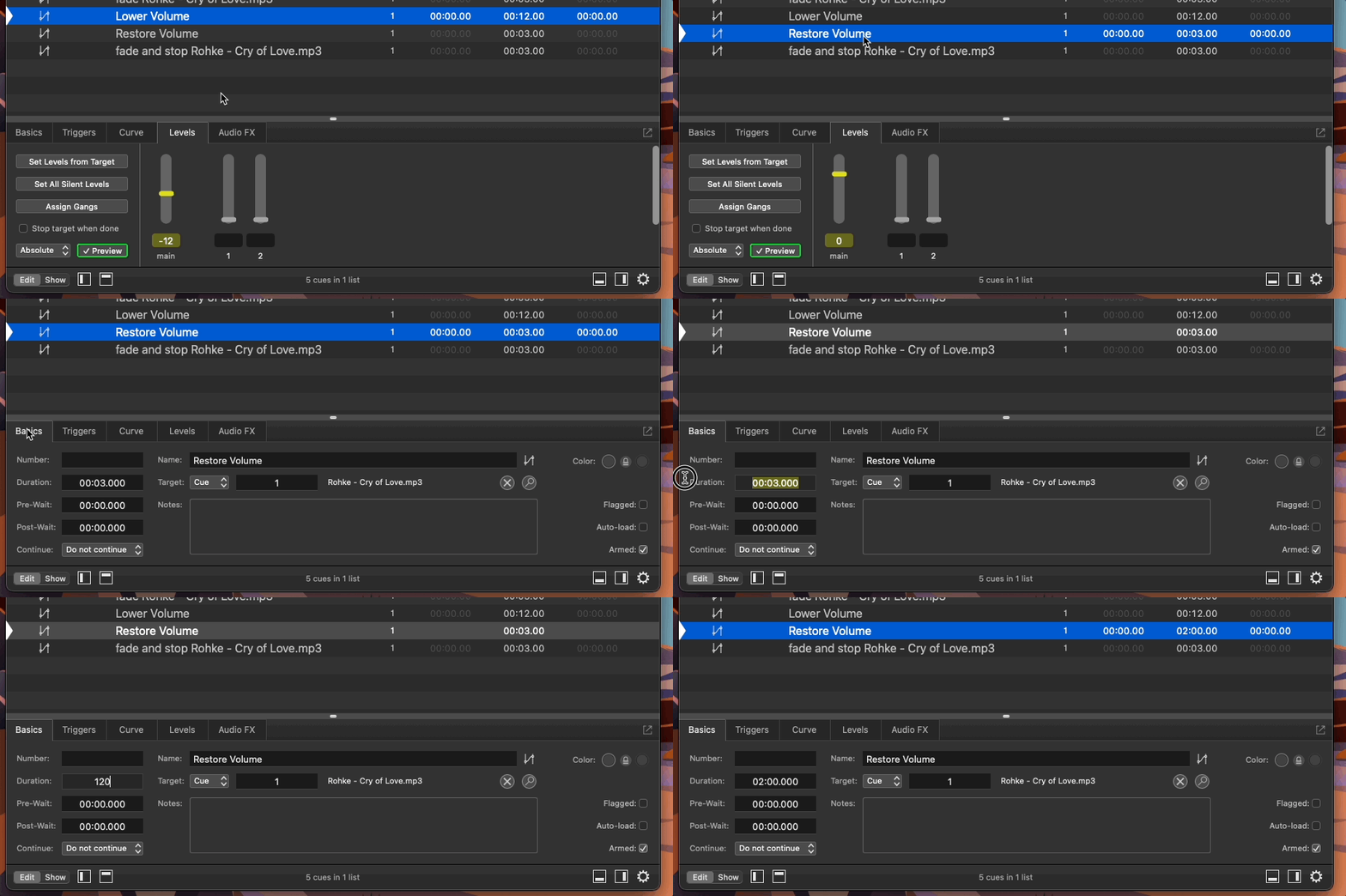
Change the previous lesson’s fade up time to 15 seconds. Then try 30. Then try 1 second.
Is a ninja, Samurai, or somewhere in between the best fade duration for an audio cue?
Yes, it depends on the preference of the artist and the needs of the show.