
In the triggers tab of the inspector, there are a few other useful tools that might make your life easier, that might save your workspace a few cues, that might save you a bit of time. QLab asks you, “When starting the action of this cue …” what would you like to do?
The first option is the Fade & Stop feature. When this is enabled, QLab will fade out then stop other cues over a specified amount of time. If I have a song playing and I begin the next one, the previous song will fade out over 1, 2, 3 seconds.
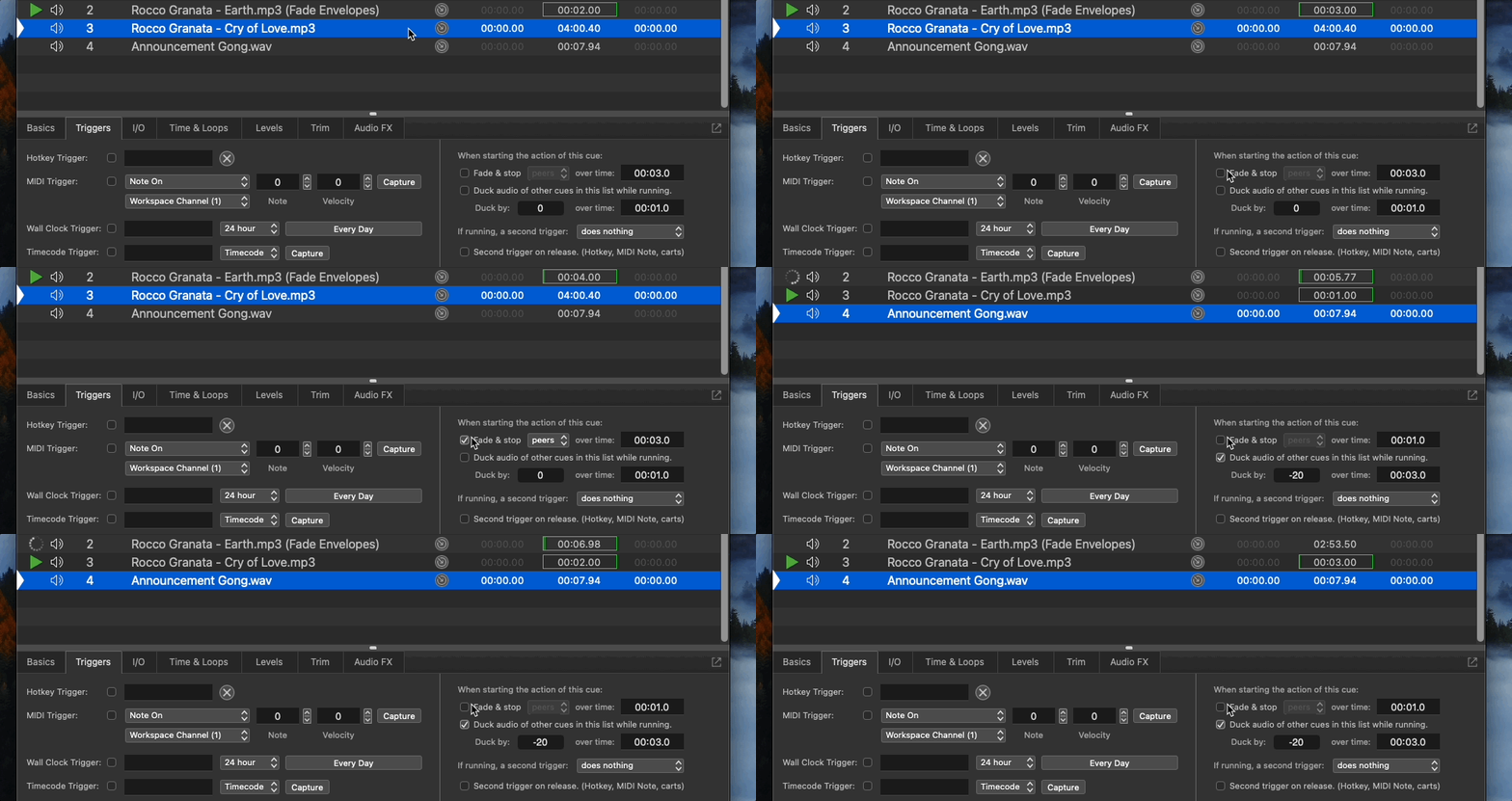
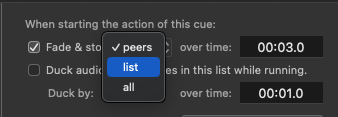
I can also choose to stop only cues in the same group (Peers), only cues in the same cue list (List), or every single cue that is active (All).
And of course, changing the “over time” will adjust how quickly or slowly other cues fade out.

The second option is called Ducking. While this cue is playing, all other cues in this list will lower in volume, or “duck” underneath this cue. This is a really common technique for voice overs in the film world and can be used in the theatre too, allowing us to give stronger focus to a sound effect over the cues playing in the background.
When ducking you can specify by how many decibels the other cues should fade and over how many seconds should the other cues fade.

Conversely, if I specify a positive volume, this feature will switch from ducking to boosting and will boost the volume of all other cues while this one is playing. This could be used to coincide with the opening of a window and increasing the outdoor ambient sounds.

Finally, the Second Trigger feature. Normally, if a cue is playing and is told to GO again, the cue says, “HOLD UP! I’M ALREADY PLAYING! Let me finish, okay?” This feature allows you to change that functionality.
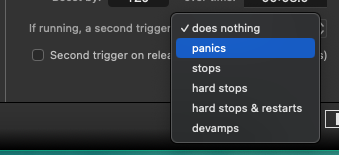
I like to use the Hard Stop & Restart option for improv performances and for stand-alone kiosks, these work especially well in conjunction with QLab’s Cue Cart tool.
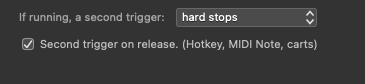
Speaking of Cue Carts, you can also opt to create the second trigger when the cue button is released. Here, for example, an audio file will continue to play only as long as I keep my finger pressed on the button and automatically stop when I release. That’s pretty neat!
Download this pre-show announcement. Duck a song to allow for the announcement to be heard.
What is Ducking?
While an audio cue is playing, all other cues will lower in volume.