
Augment3d (pronounced “Augmented”) is the ETC EOS visualization software. It is a virtual space that allows a designer to envision what lights might look like before going into the theatre. This is a great way to do work at home before going into the space or to even do initial design work before lights are even hung. For the purposes of a class such as this, Augment3d allows you to play around and see what you’re doing without having to worry about sharing a space or a giant, fancy pants light board.
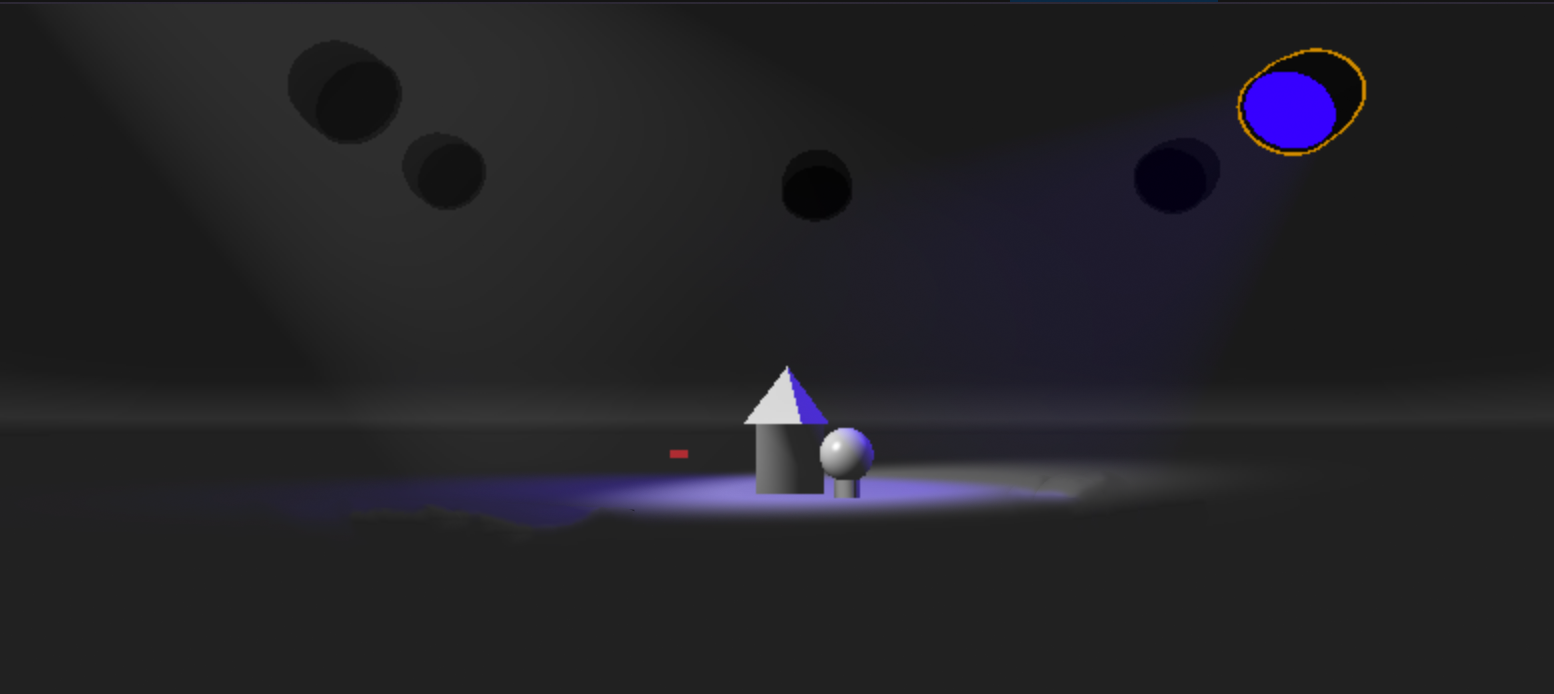
Our first few worksheets will utilize the white shapes you’ll find in our classroom. When you open your Worksheet, you won’t see these vibrant shapes, you’ll see a dull gray world that is begging to be lit. However, it’s possible that the Augment3d camera won’t be properly oriented. If you don’t see these shapes right in front of you, or if there seems to be small tiny objects off in the distance; start by trying to send the camera back to “Home” mode. This can be done by pressing the [Camera] button then pressing the [Home] button. By the way, if you move the camera around and find a look you like, pressing and holding the Home button or any of the Bookmark buttons for about a second or two will update the Camera view – you can do this quickly and easily restore these looks.
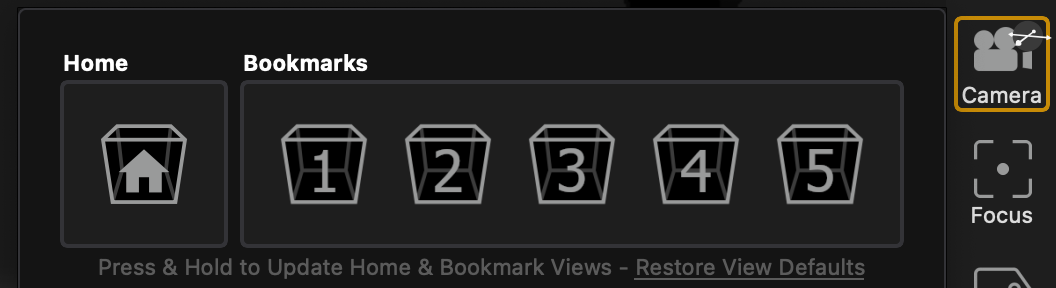
If you need to move the Camera, and I would encourage you to try it out here, there are three functional controls for you to use.
Finally, you can adjust some of the light settings by pressing the small beam icon (by the way, if your screen it too small, you might need to first press the [+] button to expand your options). If you’re having a hard time seeing your objects or if your whole screen it pitch black, adjusting the ambient light to “Medium” might help you see the world a bit better.
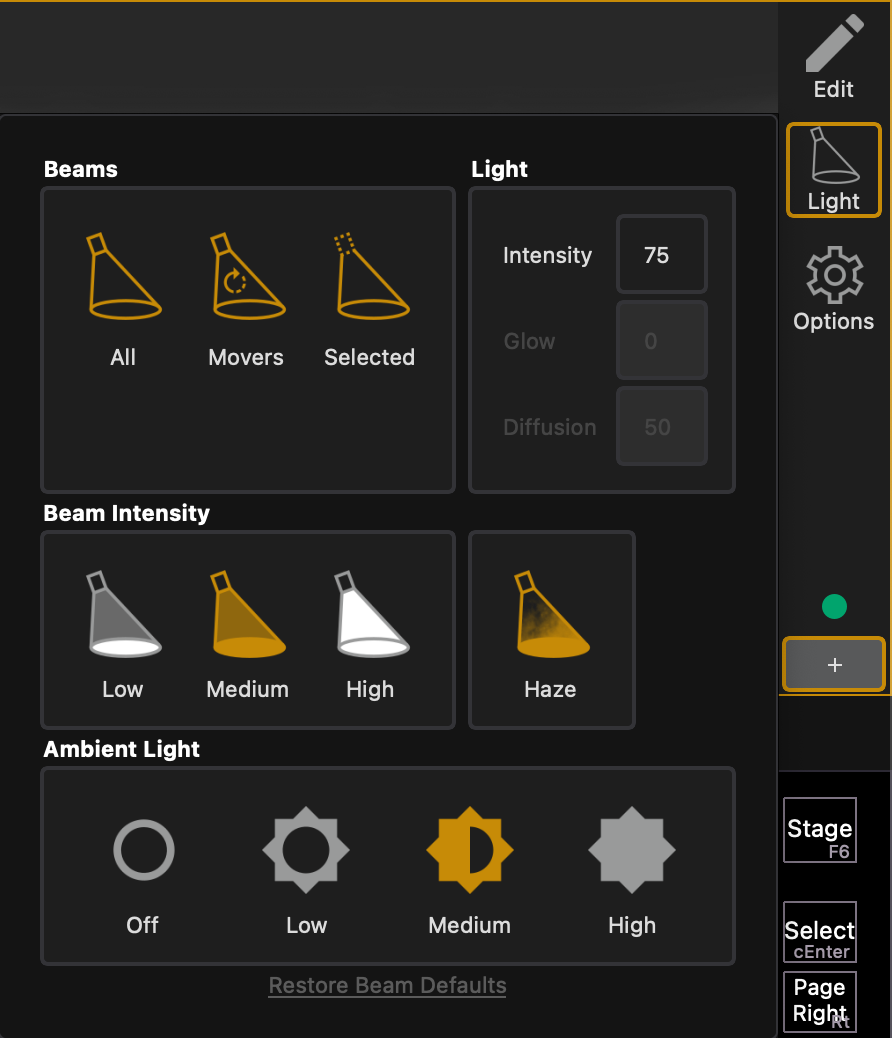
Or if you want the much cooler look of items popping in the darkness, switch the Ambient Light to “Off”!
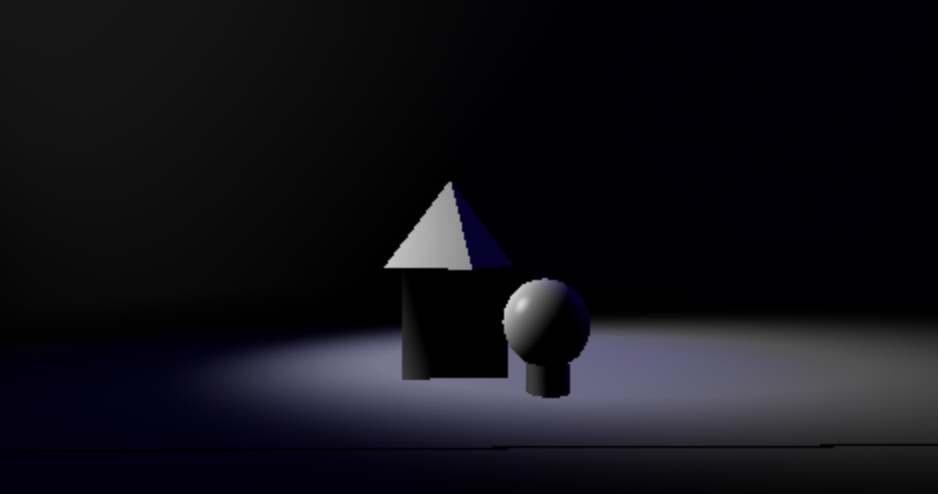
If you can’t see your scenic design or 3D model because it’s too dark – you can always adjust this setting in Augment3d.
You can adjust the ambient light to low, medium, or high.