Using the Door Close audio, let’s make this even more stylized, something that will really evoke.
Open the original “Door Close.wav” file
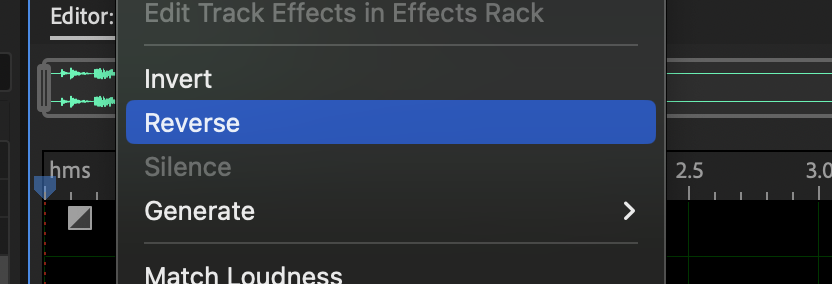
Apply the Reverse tool from the Effects menu … Effects > Reverse
Play the file.
Crazy huh?
What happens if we try this with our Reverb.
From the left side of the screen, in the “Files” section, open “Door Close – Reverb.wav”
Apply a Reverse. Compare the two files. Can you hear how the version with Reverb approaches differently?
When editing our crowd noise, we cleaned up the abrupt beginning with a fade, but here let’s make an artistic entrance by doing a Reverb, Reverse, Reverb technique.
Return to the “Door Close.wav”
Undo the reverse.
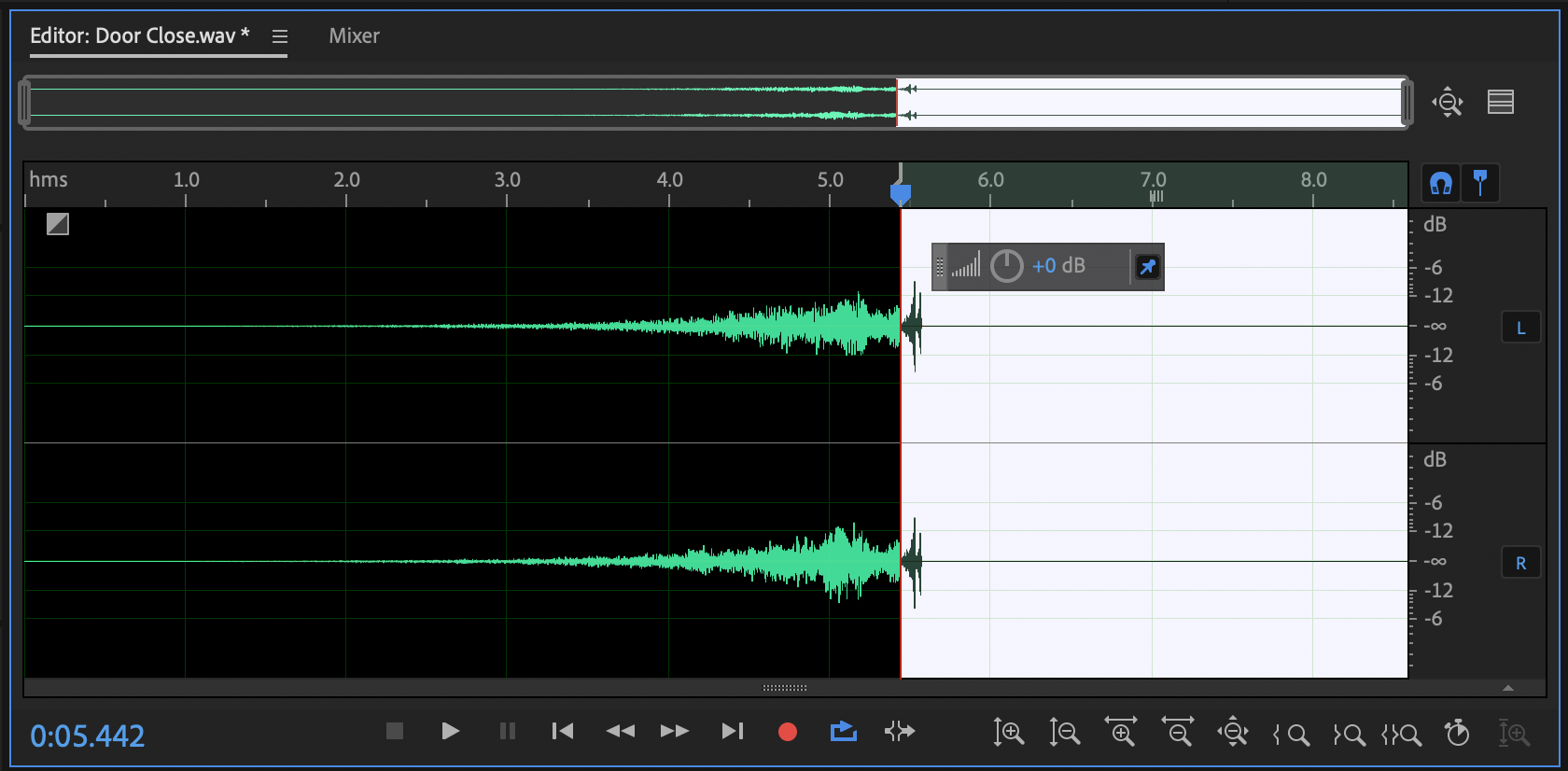
Add 5 seconds of silence at the end.
Apply the Reverb preset “Ethereal” and Reverse the sound.
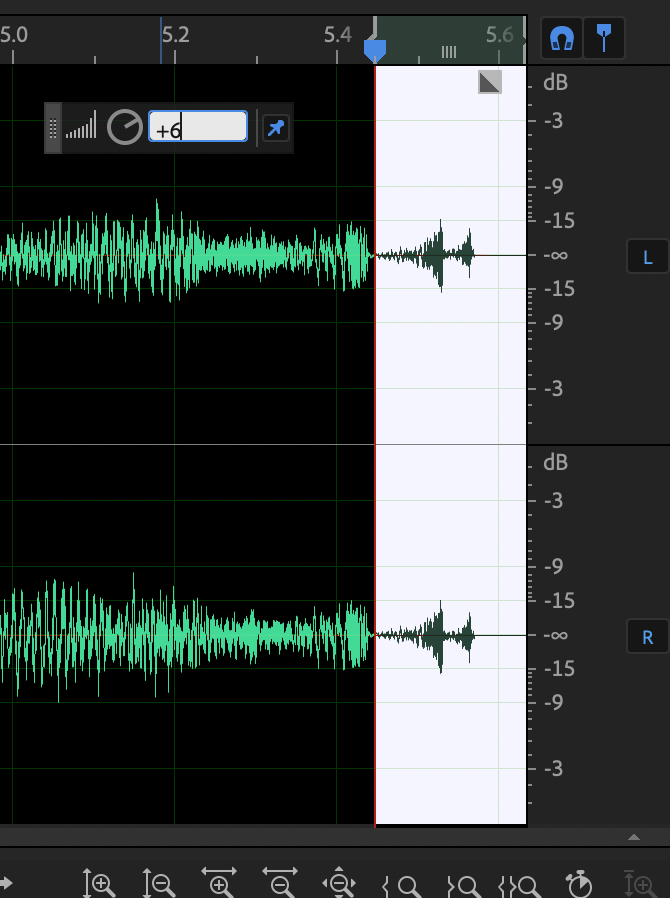
Let’s add a little punch to the end of the reverse. Zoom into the end of the file, highlight the last two spikes of audio, and boost their volume by 6dB
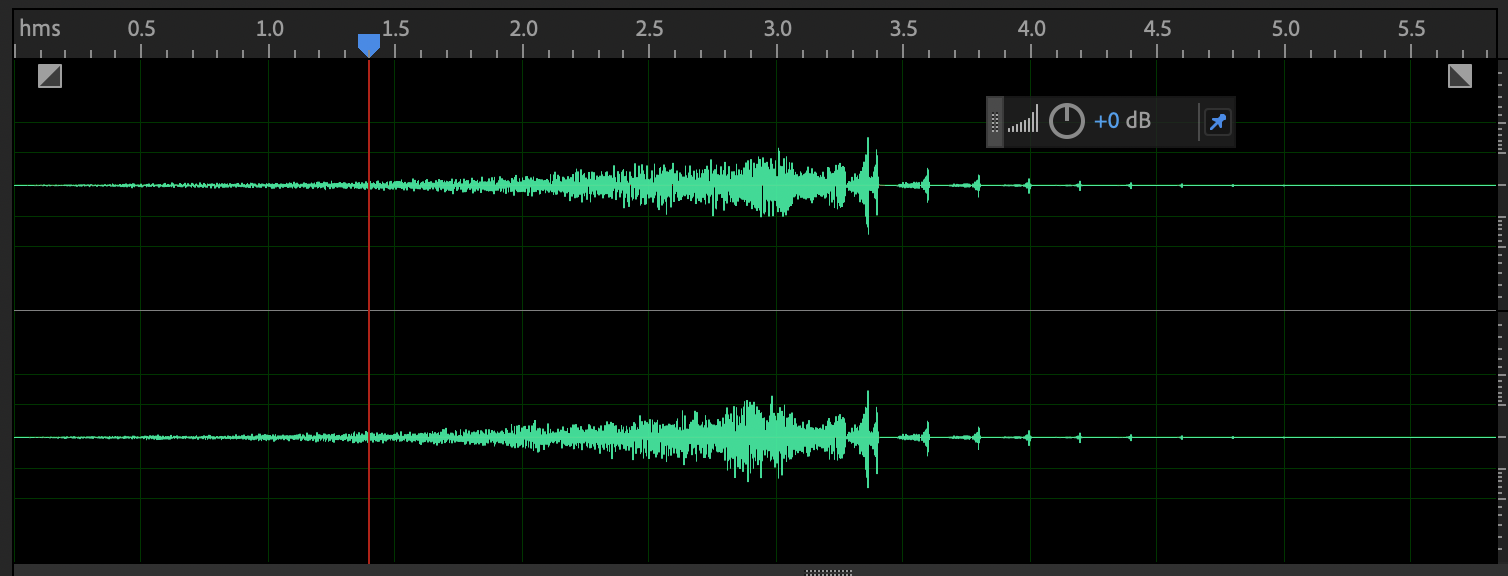
Now let’s add a little more presence to the end of the file by adding 3 seconds of silence, then applying the “Room Ambience” preset to the entire file
This is kind of a fun ambient noise.
Let’s add a little more flair to it.
Select the entire file, and apply the Echo Preset, “Formant Delay”.
This sounds dumb. Undo it. How can we make it tighter?
Highlight the file starting at the last rise to the last two spikes, all the way to the end of the file.
Open the Echo Preset, “Formant Delay” and change both the Left and Right Channel’s “Delay Time” to 200 ms.
Press OK.
Finally, identify the unneeded silence in the file, and trim it down.
You’ve created a very evocative, unidentifiable sound from a very common one. Kudos to you!