
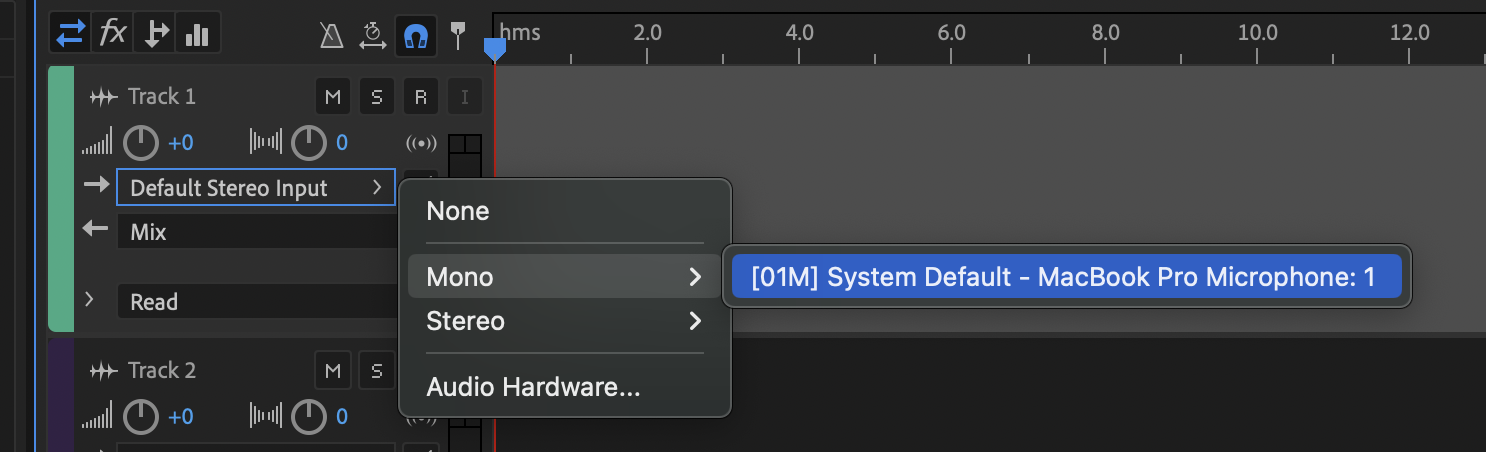
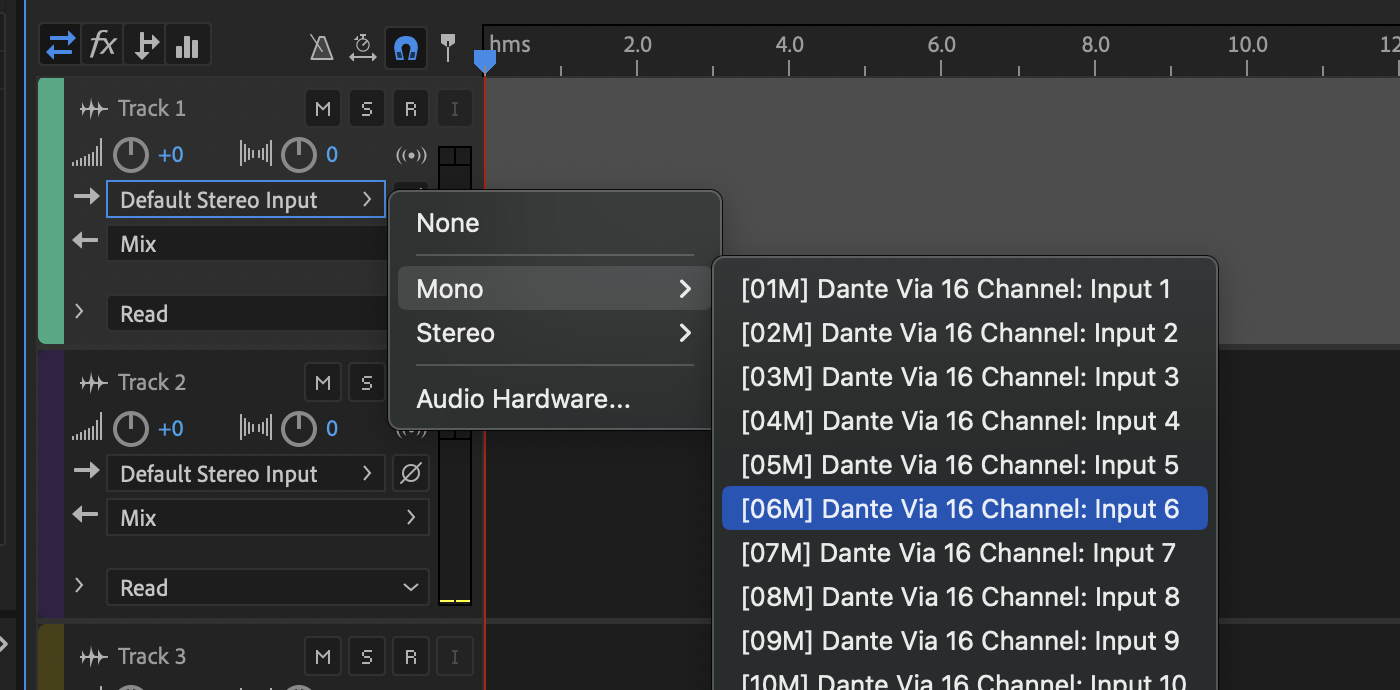
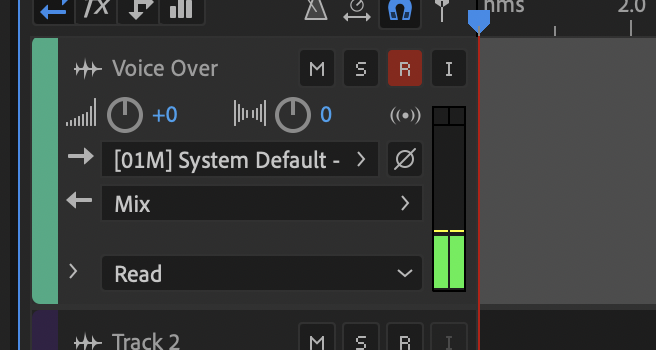
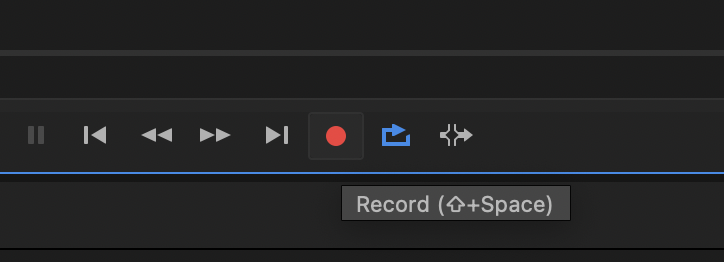
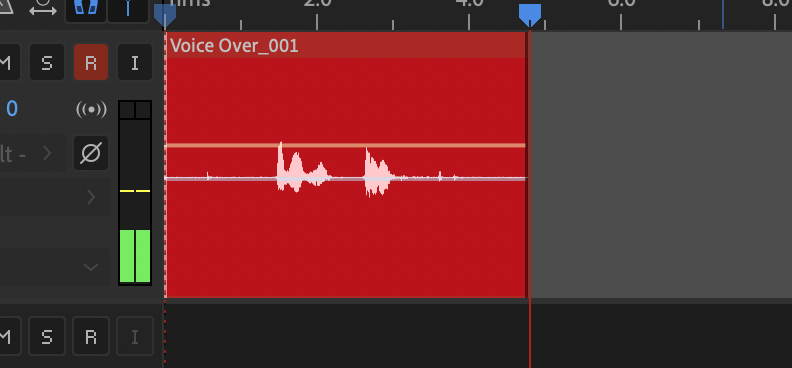
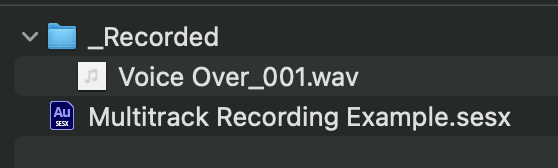
Recording in Multitrack View is the better option if you’re recording multiple options (you can mute different tracks), if you’re doing very long recordings or only have “one shot” to get it right (multitrack creates a wave file live so if Audition crashes, you don’t lose everything), or if you’re recording multiple sources at the same time (you can record each source onto an individual track).
The only drawback is that it takes a bit of extra effort to get everything working. There are more buttons. There are more toggles. There are more ways to mess things up. But if you’re slow and intentional, you should be fine.
The boy spoke in spurts as he gasped for air. “The wall … I found a … hole. It’s a big opening, sir.” The boy’s hands stretched to show the size. “Someone could crawl through it.”