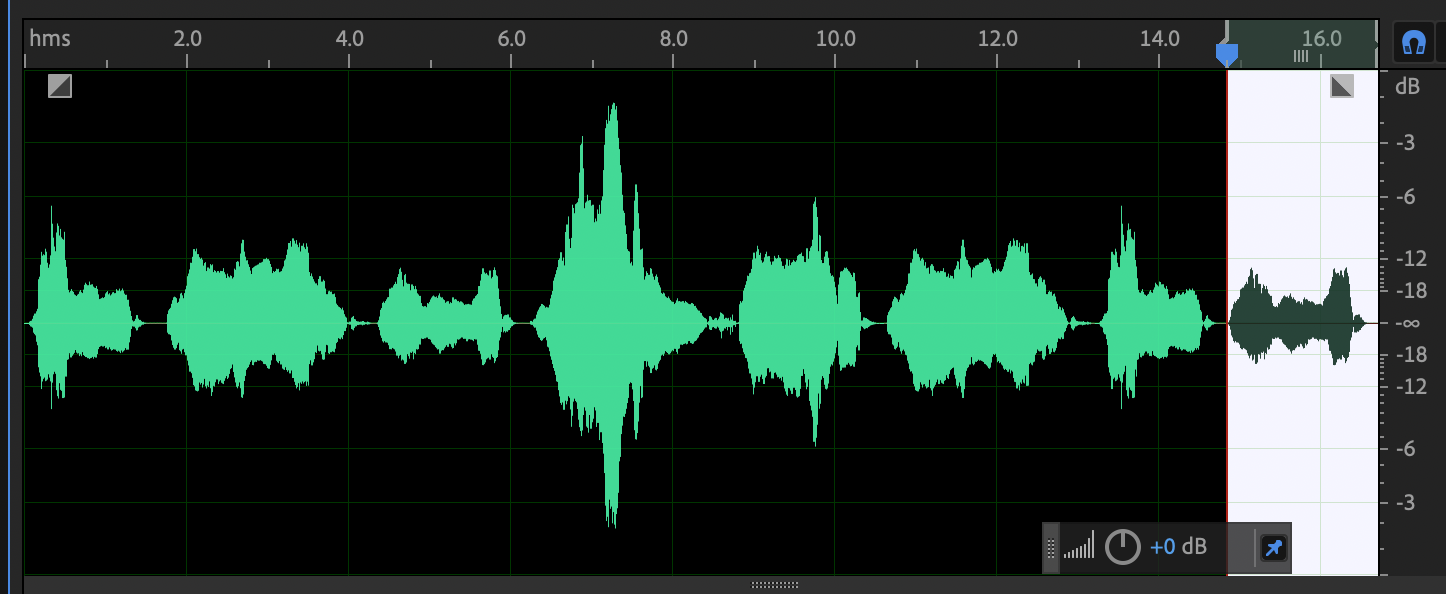
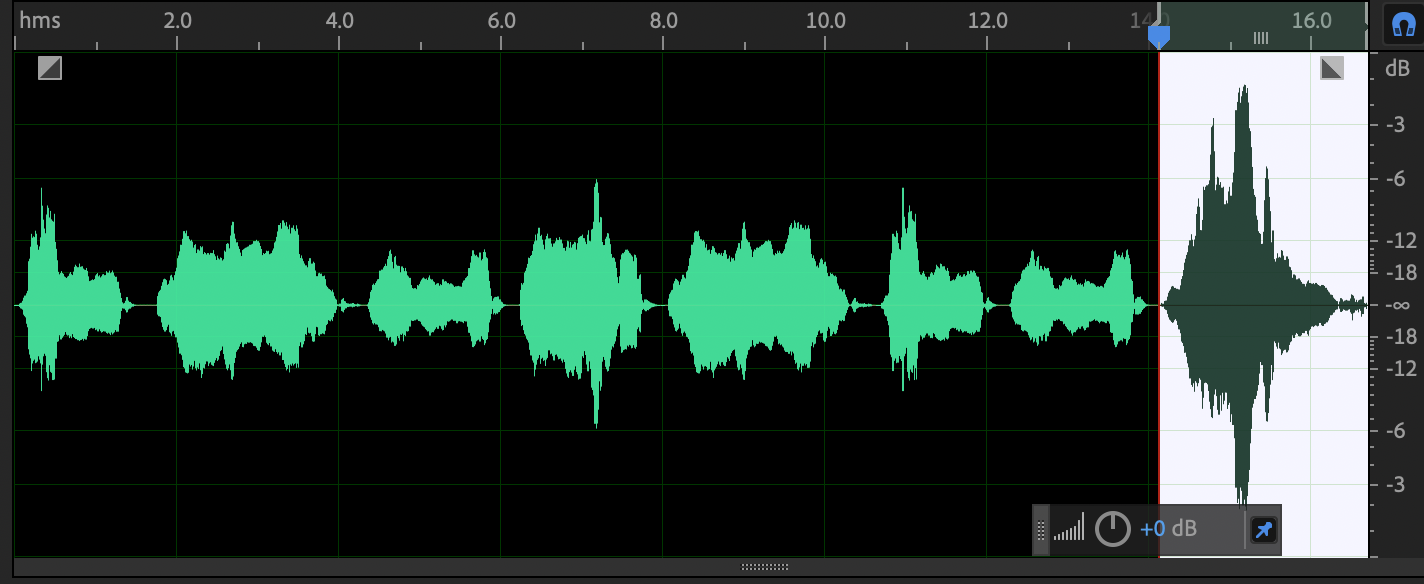
I would love for this baby sound to be longer, so let’s duplicate portions of the audio using cut, copy, and paste.
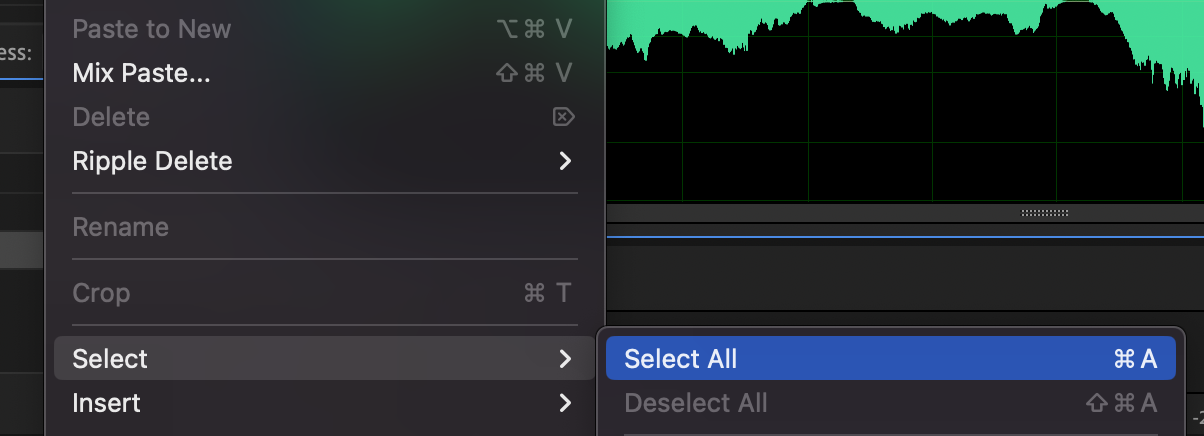
Select all the entire audio file from the Edit menu … Edit > Select > Select All[Cmd + A]
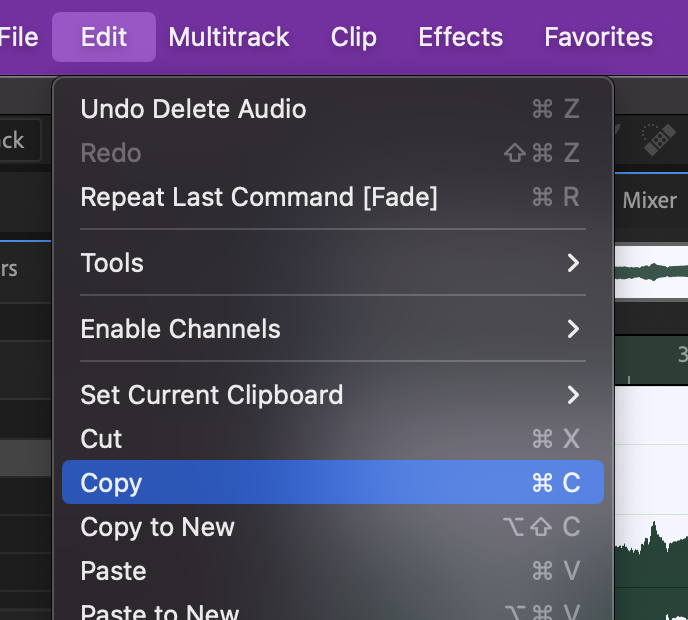
Copy the selection from the Edit menu … Edit > Copy[Cmd + C]
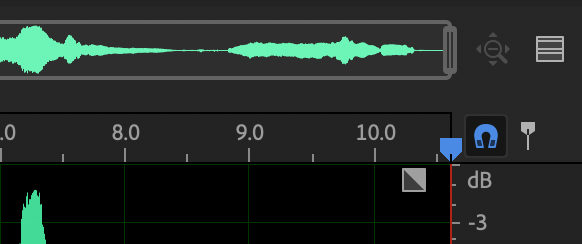
Move your playhead to the end of the file [End] which will deselect all the audio. This is important because we’re about to Paste, and if you Paste while a portion of the audio is selected, Audition will replace the selected portion with whatever is in your clipboard.
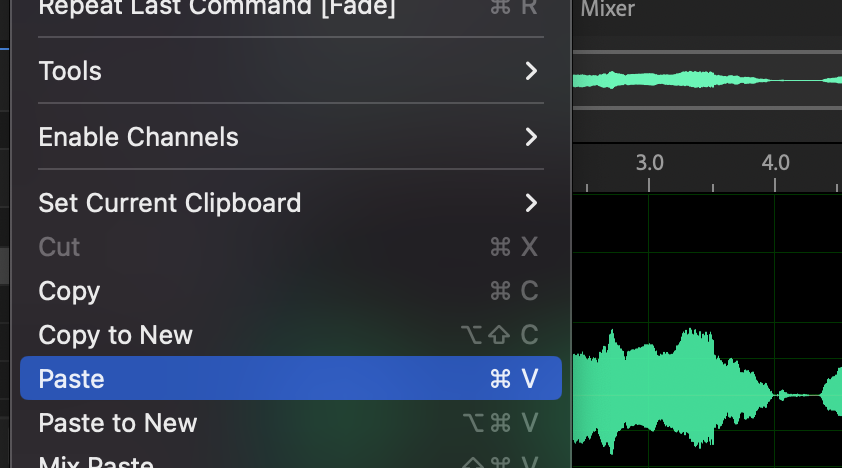
Paste the clipboard here at the end using the Edit menu … Edit > Paste[Cmd + V]
Move back to the beginning of the wave file [Home].
Play the sound [Space].
Listening to this new sound, the clip is longer, but obviously just repeats. Instead, let’s copy individual cries and place them in a new order. The new order should still follow a believable pace of a baby crying.
Undo the work you just did … Edit > Undo[Cmd + Z]
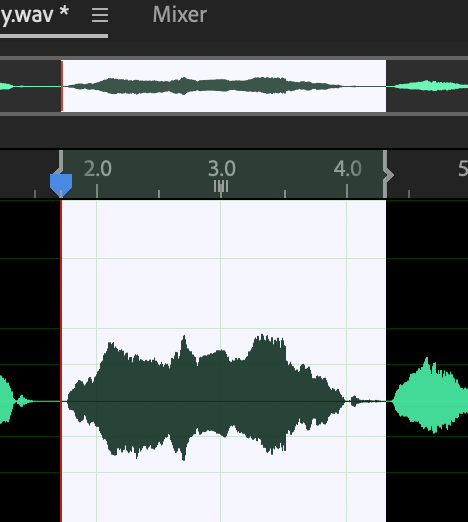
Identify and highlight the second cry (don’t miss the breath at the end!)
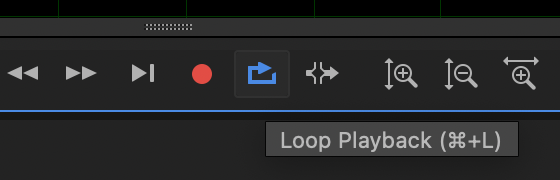
Play the highlighted section to ensure it’s exactly what you want. Enable the Loop Playback switch if you want to hear the section repeat.
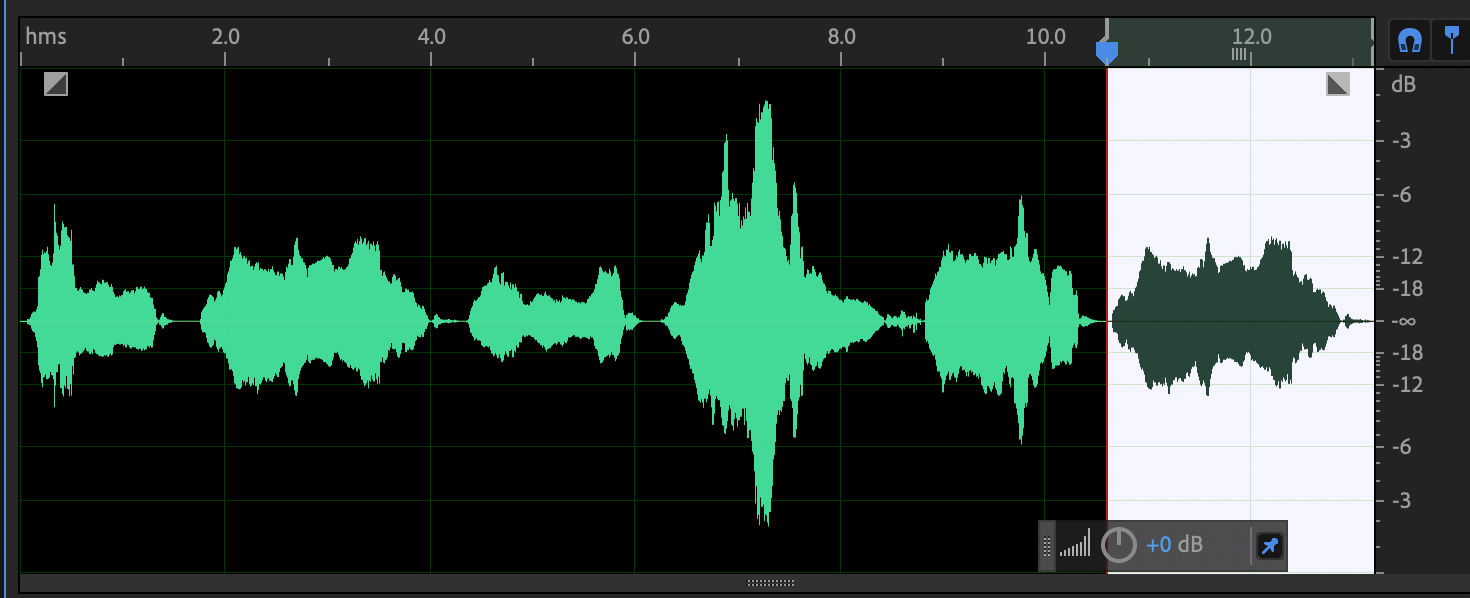
Copy and the selected cry and Paste it at the end of the file using the same method as before.
Copy the first cry and Paste it at the end.
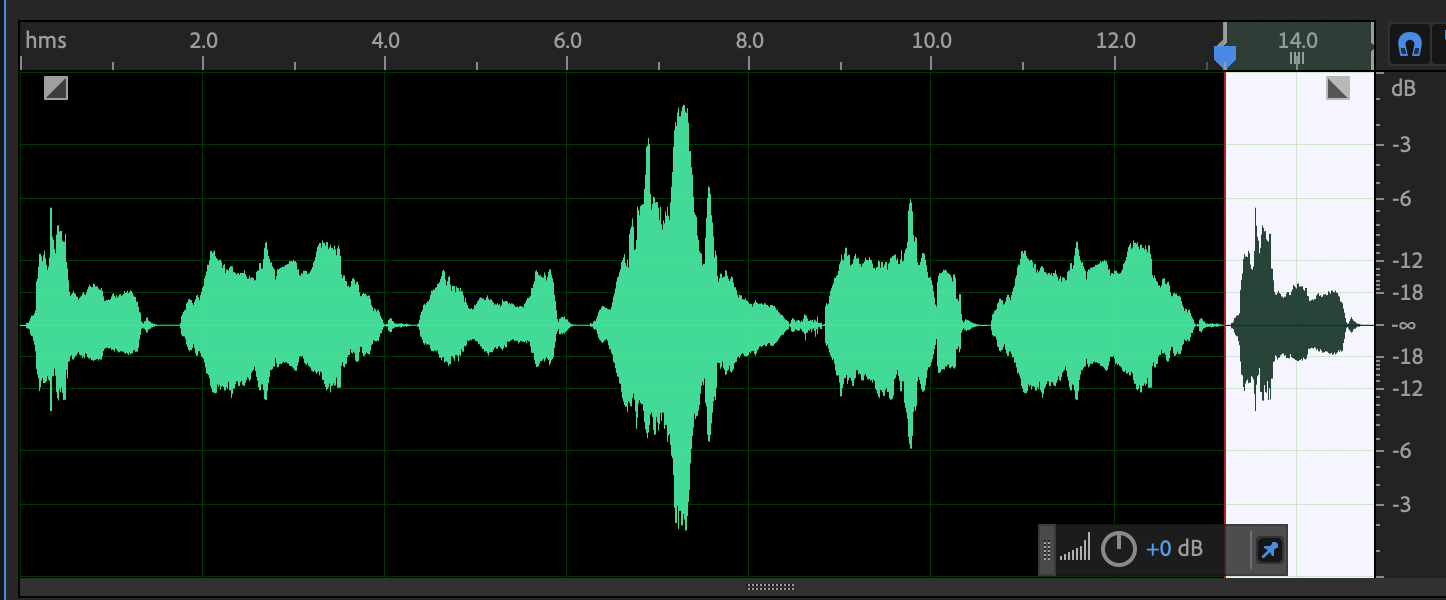
Copy the third cry to the end.
Cut the loudest cry [Cmd + X] and move it to the end.
Listen to the sound. This clip is now longer and while it does repeat sounds, is less obvious, less of a pattern.